
Job Site Connectivity That Holds Up
A trailer with no working internet is a crew standing around. Connectivity built for a site where there's no fiber, no IT closet, and no patience for excuses.
The Problem
When the Connection Drops, the Crew Waits.
Plans live in the cloud now. Daily reports, photos, time entry, inspections, change orders, all of it moves through a connection somebody has to make work. When it drops, the foreman can't pull the current drawing and the crew stands there.
An idle crew waiting on a drawing that won't load isn't an IT issue. It's a bleeding budget, and it happens most often on sites where the internet was set up by whoever had a spare hotspot in the truck.
Whats Included
Site survey first. Nothing gets ordered before someone looks at your site, the terrain, and what carrier coverage actually does there.
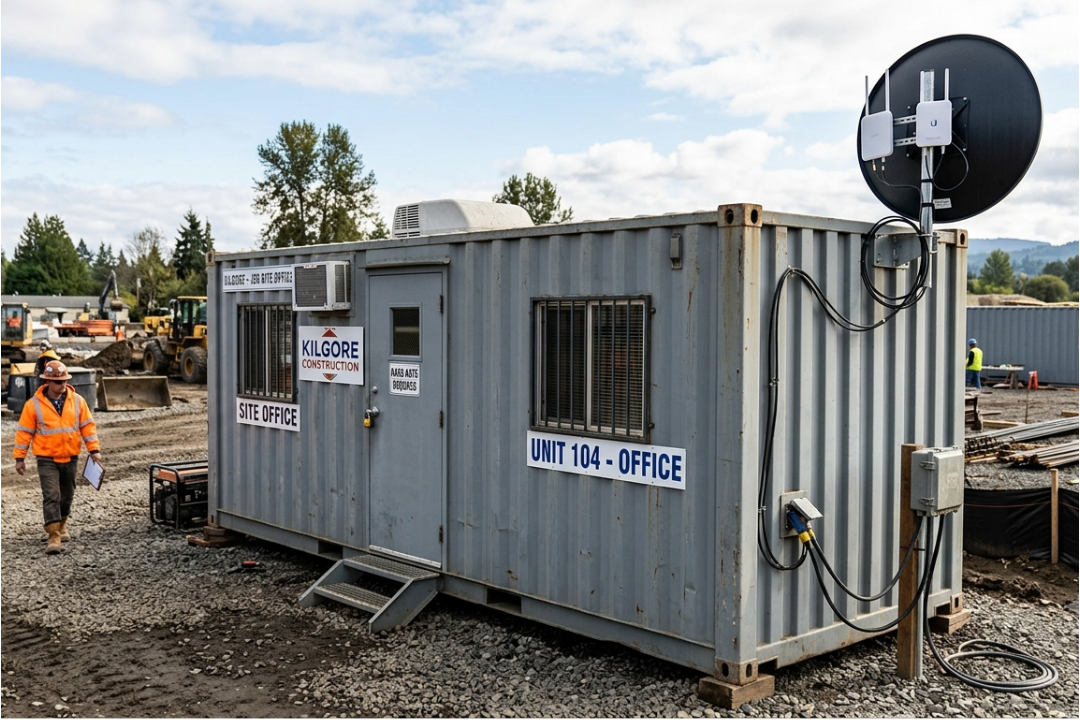
Cellular and fixed wireless internet where there's no wired option.
Failover, so one cut connection doesn't stop the job.
Trailer networks, wired and wireless, built to survive a job site.
Separated guest and crew Wi-Fi, so the cameras and OT systems running your site aren't sharing the same network as everyone's phones.
Remote monitoring, so a site problem gets noticed before someone has to call about it.
Teardown and redeployment when the site moves.
How to choose
Four Ways to Get a Connection to the Site
Everybody checks the download speed. That's not what's failing you.
Your crew uploads. Photos, daily reports, drawing markups, camera footage, model files. All of it goes up, and a consumer hotspot is built to pull down, not push up. When the FCC raised the broadband benchmark to 100 Mbps down and 20 Mbps up in March 2024, the upload half is the one that decides whether your foreman waits.
The other half is the ceiling. A hotspot runs out of connections before it runs out of bandwidth. Put twenty devices in a trailer and it starts dropping people while the speed test still looks fine.
So there's no single right answer. There's a right answer for your address, your site plan, whether you have a trailer, and how long that trailer is staying.
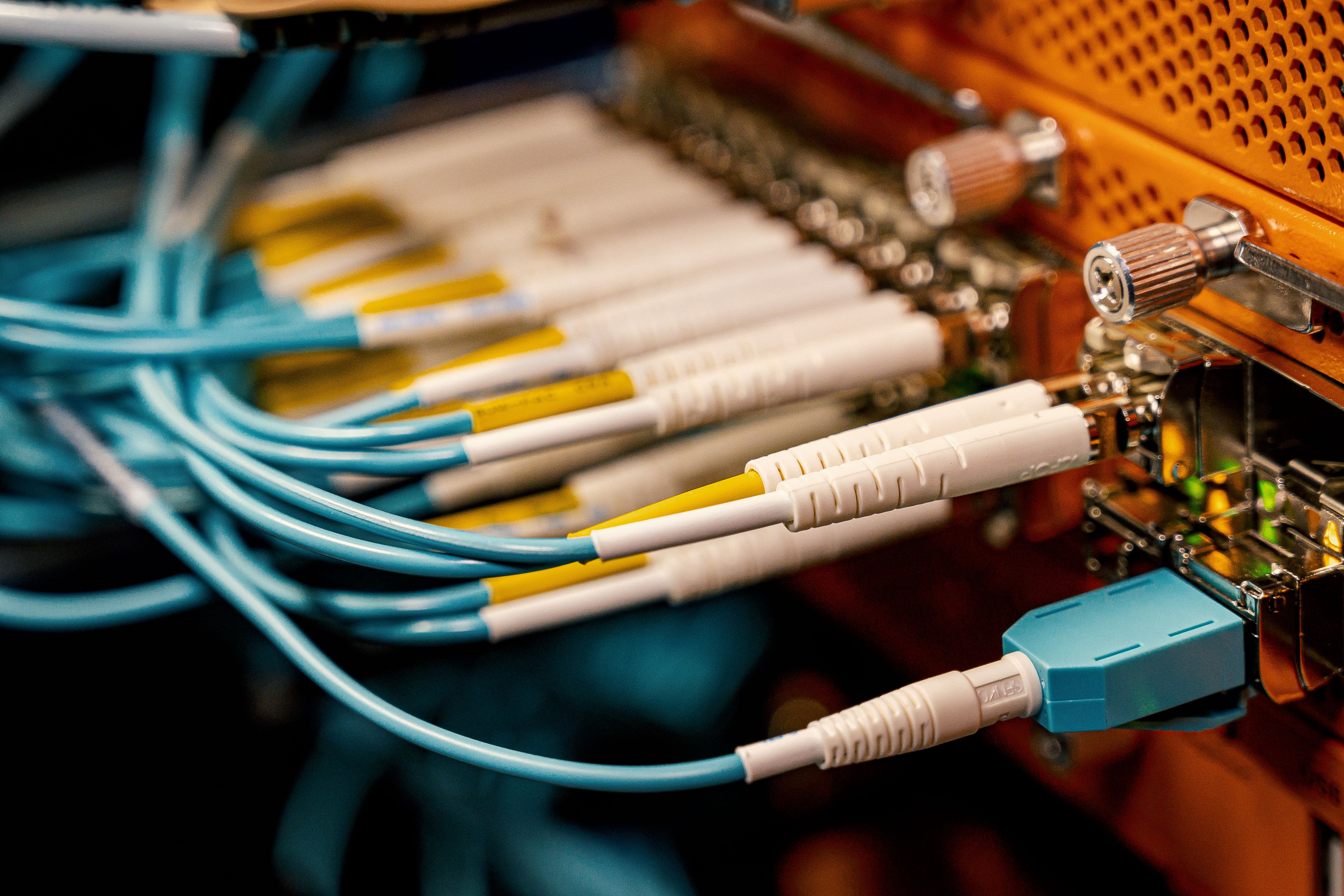
Fiber/Copper to the Trailer
Pros
Works for the site projects where the address already has service at the curb.
Cons
Lead time is needed to order the service before the trailer lands. Carrier lead times always runs longer than anyone initially plans for.
Cellular Connected Wifi
Pros
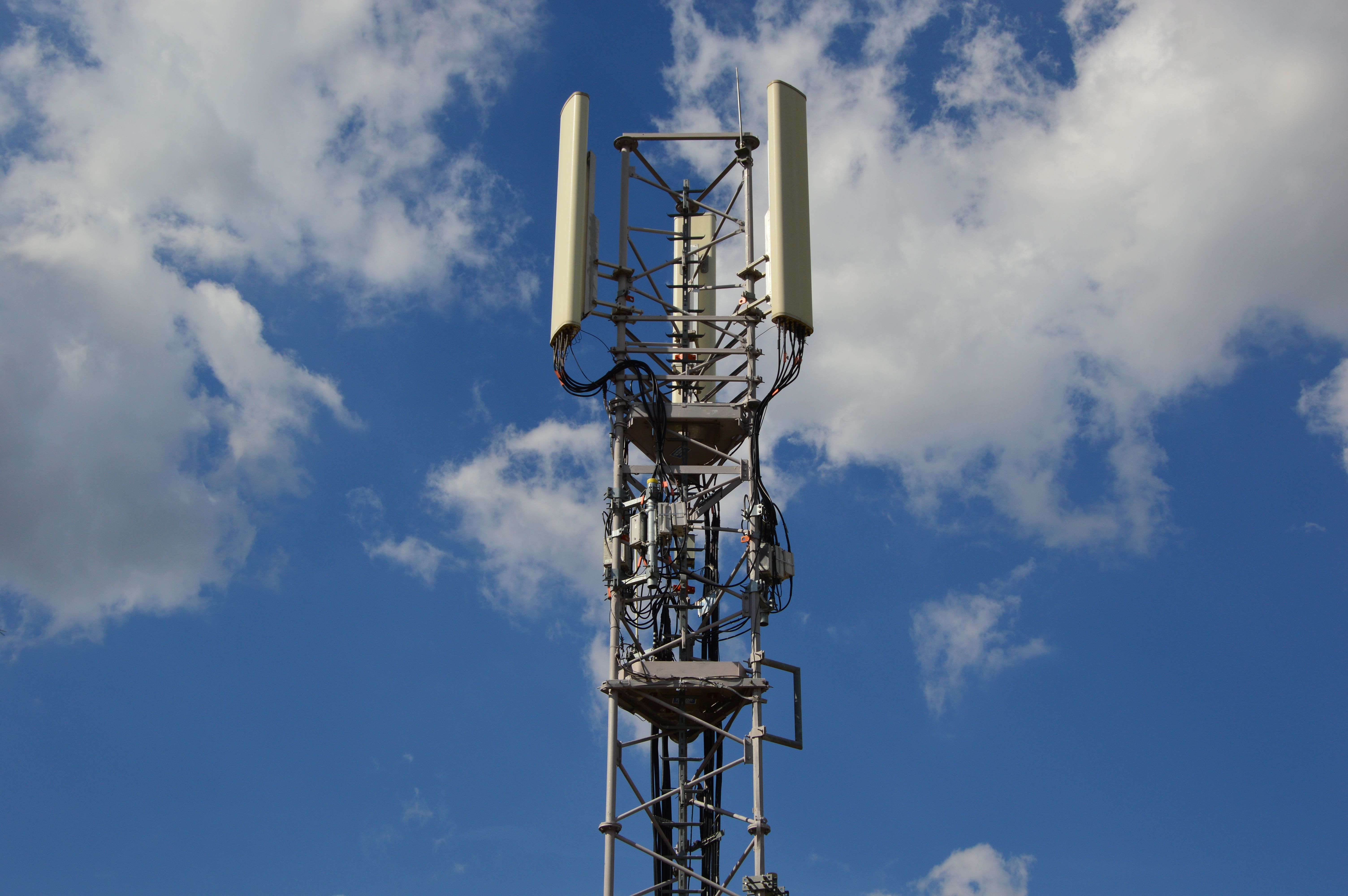
Most sites can work with this solution, most of the time.
Cons
Needs real hardware and a proper antenna placement, not a hotspot sitting on a window sill. Not all sites will have good cellular coverage.
Satellite/Starlink
Pros
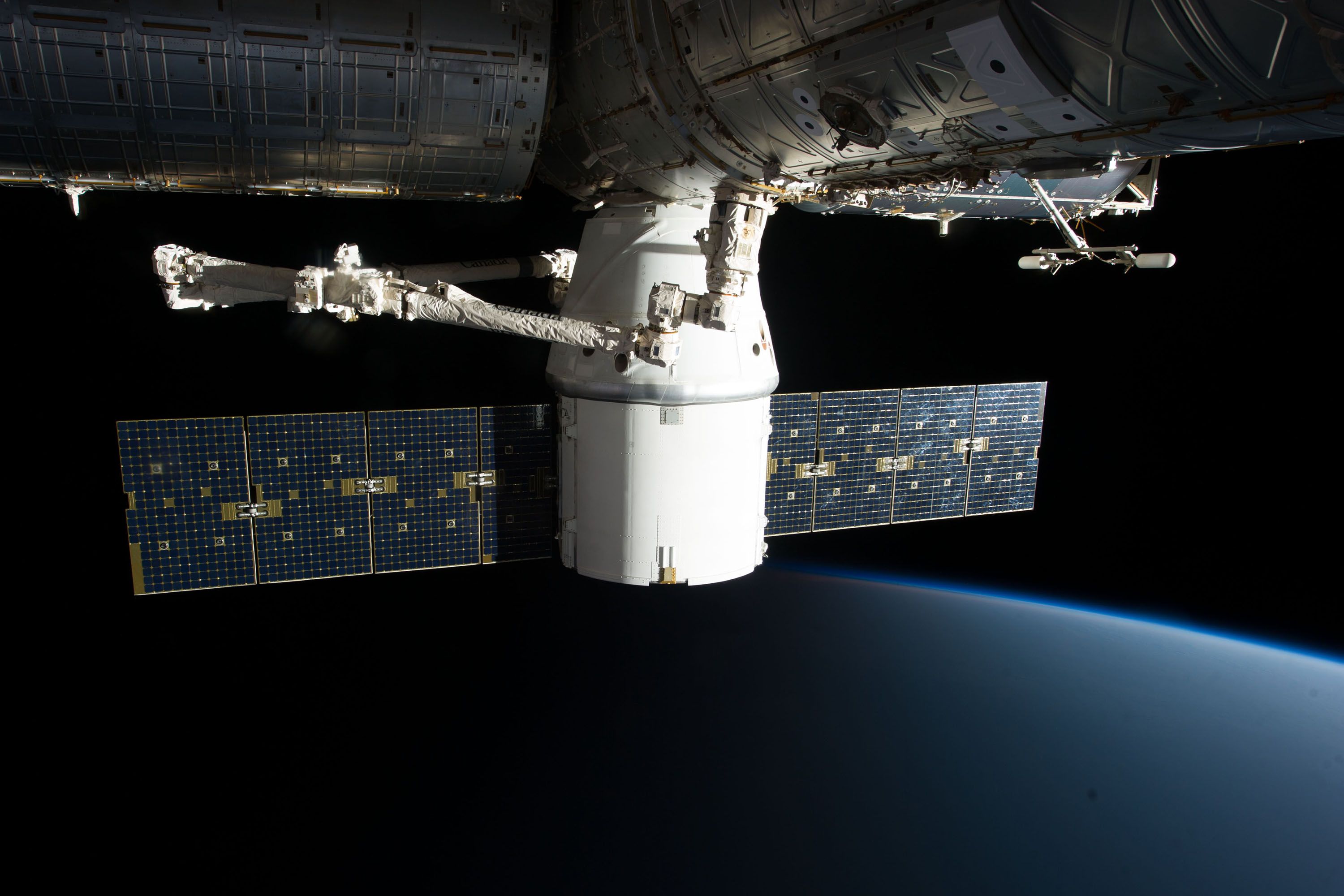
Great for rural sites with low cellular coverage, and early work before anything is in the ground.
Cons
The weather gets a vote on the internet quality, and upload is weaker than anywhere cellular is decent.
Point-to-Point Wireless
Pros
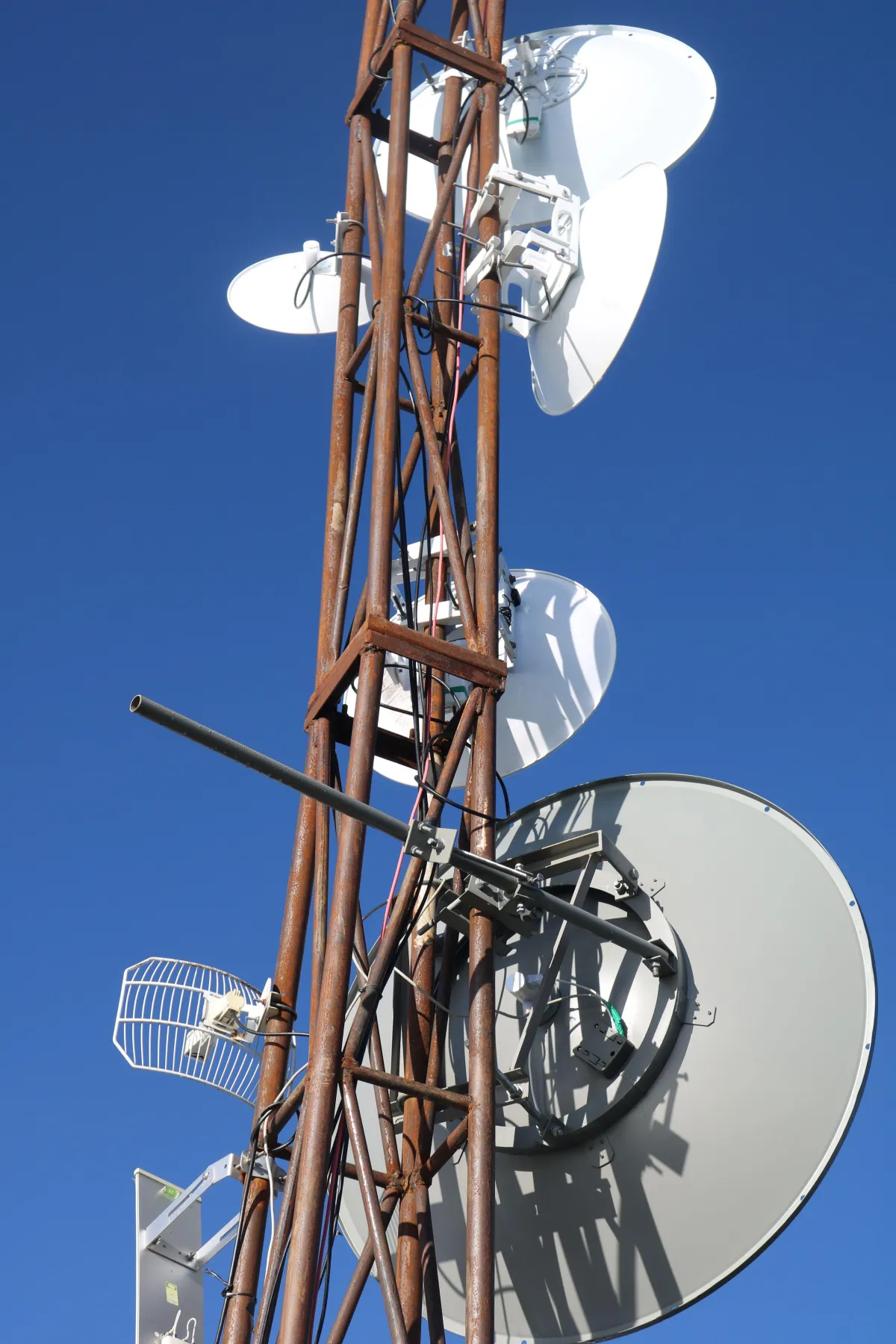
Solid way to connect a second trailer, a phased site, or anywhere you need to extend your network.
Cons
Needs line of sight between two locations, and it requires existing site network infrastructure.`
What makes this different
Why This is Different on a Job Site
Every remote site connection is a doorway into your business. Most providers treat job site internet as somebody else's problem, which is how a company ends up with an unmanaged hotspot bridging project files to whatever else is on that network.
Getting a signal to the site is also only half the job. A connection at the trailer door doesn't help the super at the far end of it, the camera on the pole, or the tablet out in the yard. Your cameras run on that network. Your tablets run on it. If you're on soft phones, your phones run on it. When the trailer network is an afterthought, everything hanging off it is an afterthought too.
Sites also move. A network that took a week to build and can't be torn down and redeployed is a network you pay for twice.
FAQ
Common Questions
How many devices can one trailer network handle?
More than you think, and fewer than you'd hope if it's a hotspot. It depends on the hardware you ultimately need. The number that fails first though is usually connections, not bandwidth, which is why adding a bigger data plan doesn't fix it. Real access points are the fix.
Is Starlink good enough for a job site?
For a rural site with nothing else available, yes. Where you've got decent carrier coverage, a cellular router with a real antenna will give you better upload, and upload is what many sites are short on.
What happens when the connection drops?
On a site built with failover, the second path picks it up and the crew doesn't find out. On a site with one connection, everybody finds out at once.
As a Subcontractor, can I use the connection the GC already has onsite?
Often, yes. Point to point wireless will carry it across the site to your trailer without buying a second circuit. It needs line of sight, so that's the first thing to check.
What happens when the site moves?
The gear comes with you. Teardown and redeployment is part of the work, and it's the reason owning the hardware beats renting a solution you don't.
Check what else we do
Related Services
Rugged & Field Devices
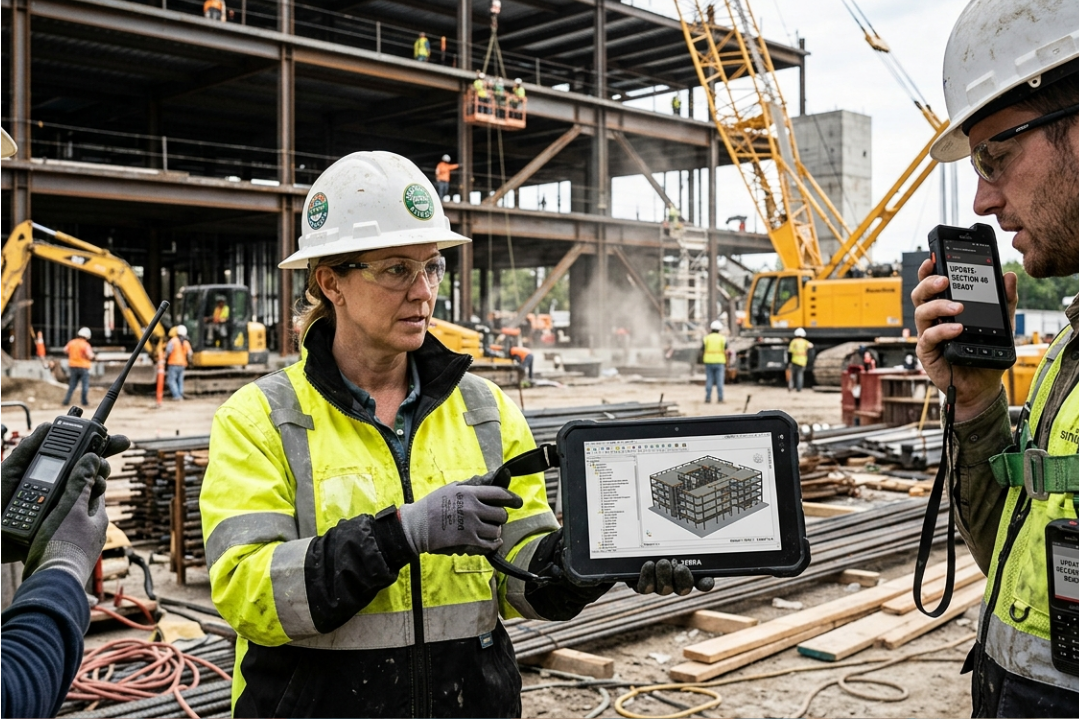
The hardware on the other end of that connection, managed properly.
Camera Systems

Eyes on the yard and the trailer when nobody's there.
Managed IT

The helpdesk and monitoring behind all of it.
Let's Talk About Your Site
Describe what you're running and where, and I'll tell you what's worth fixing first. If your setup is fine, I'll say so. No cost, no commitment, no pitch.

Copyright 2026. Don’s Tech Rescue. All Rights Reserved.